Set the direction
Use the starting prompt or write your own. Review the model and format.
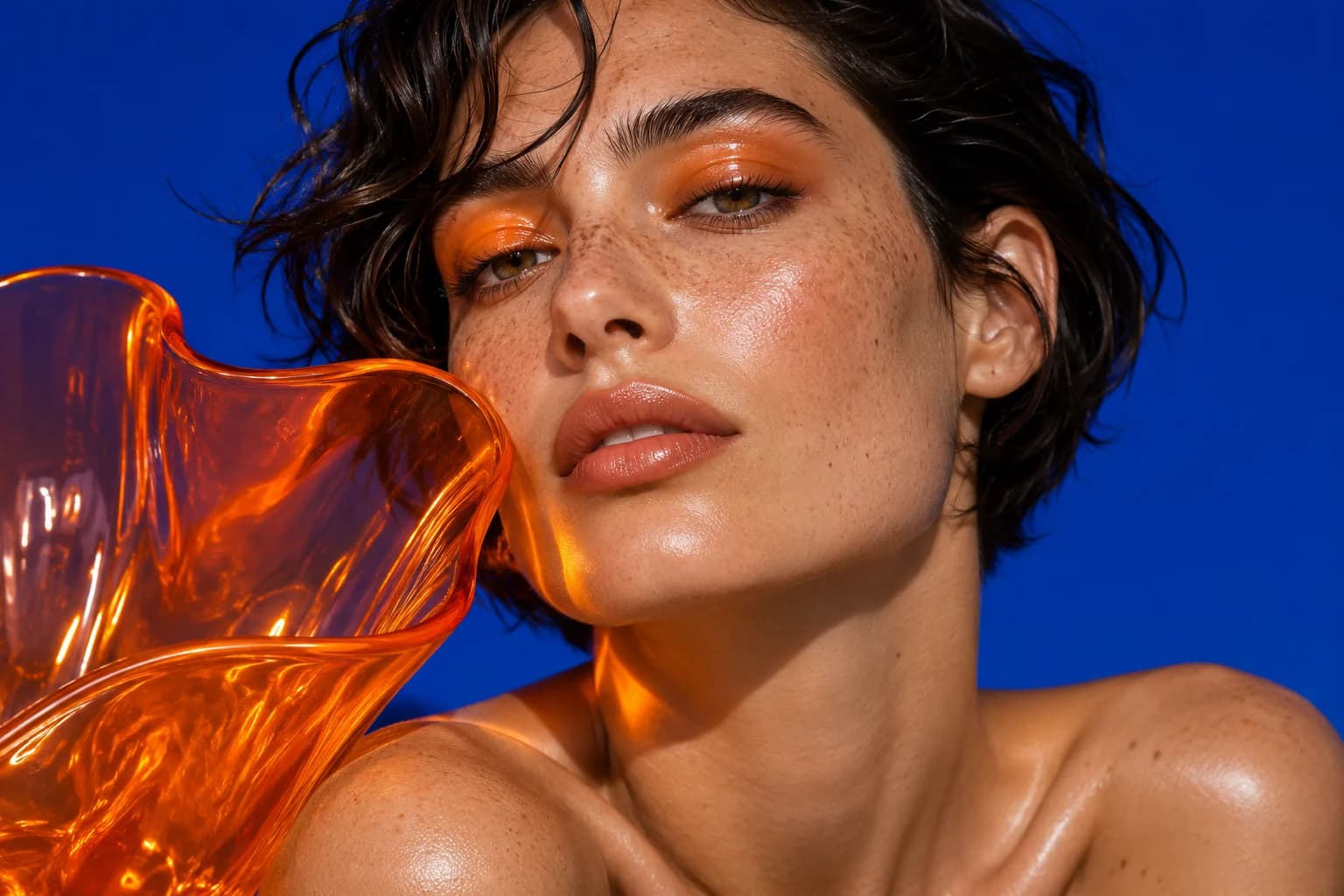
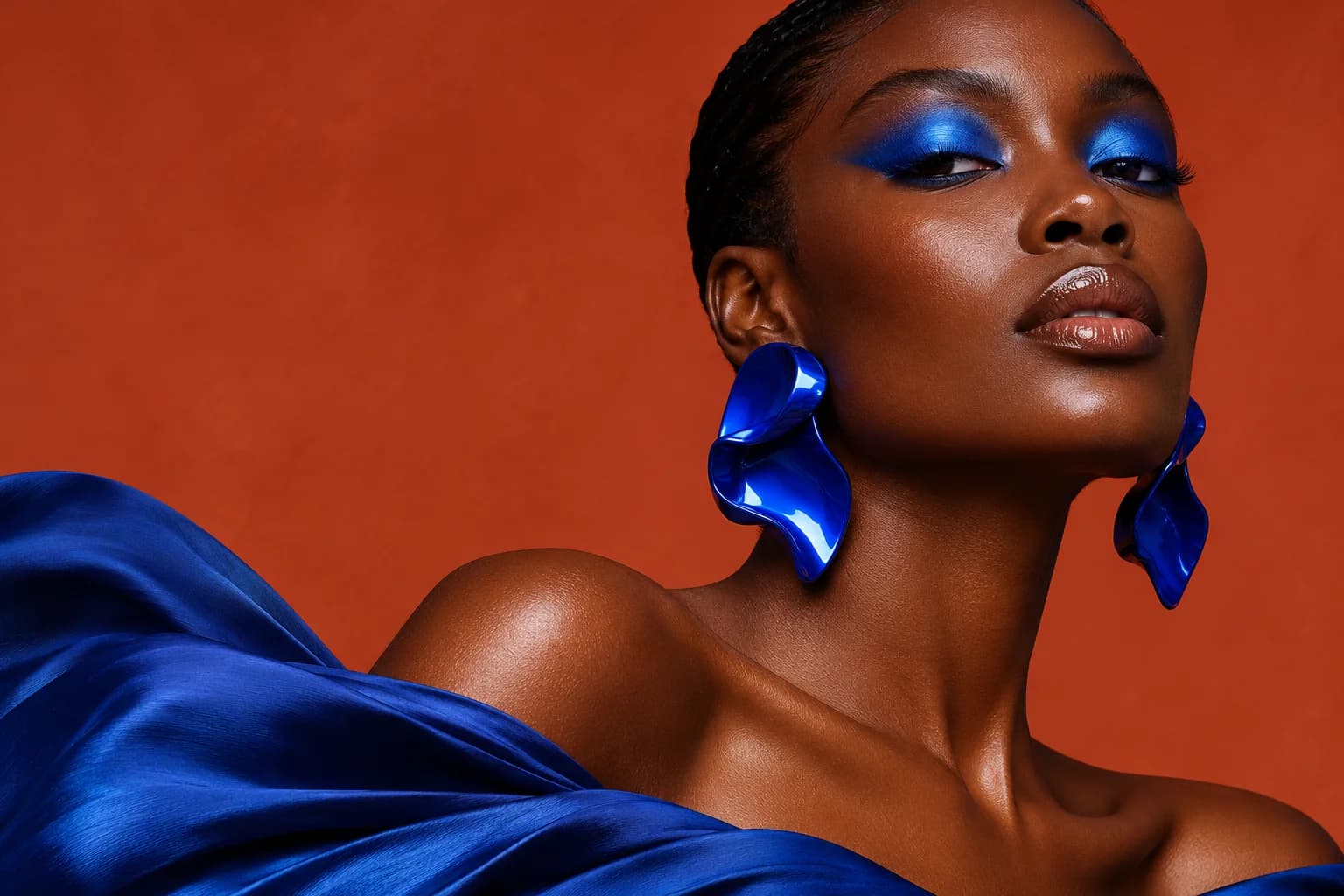
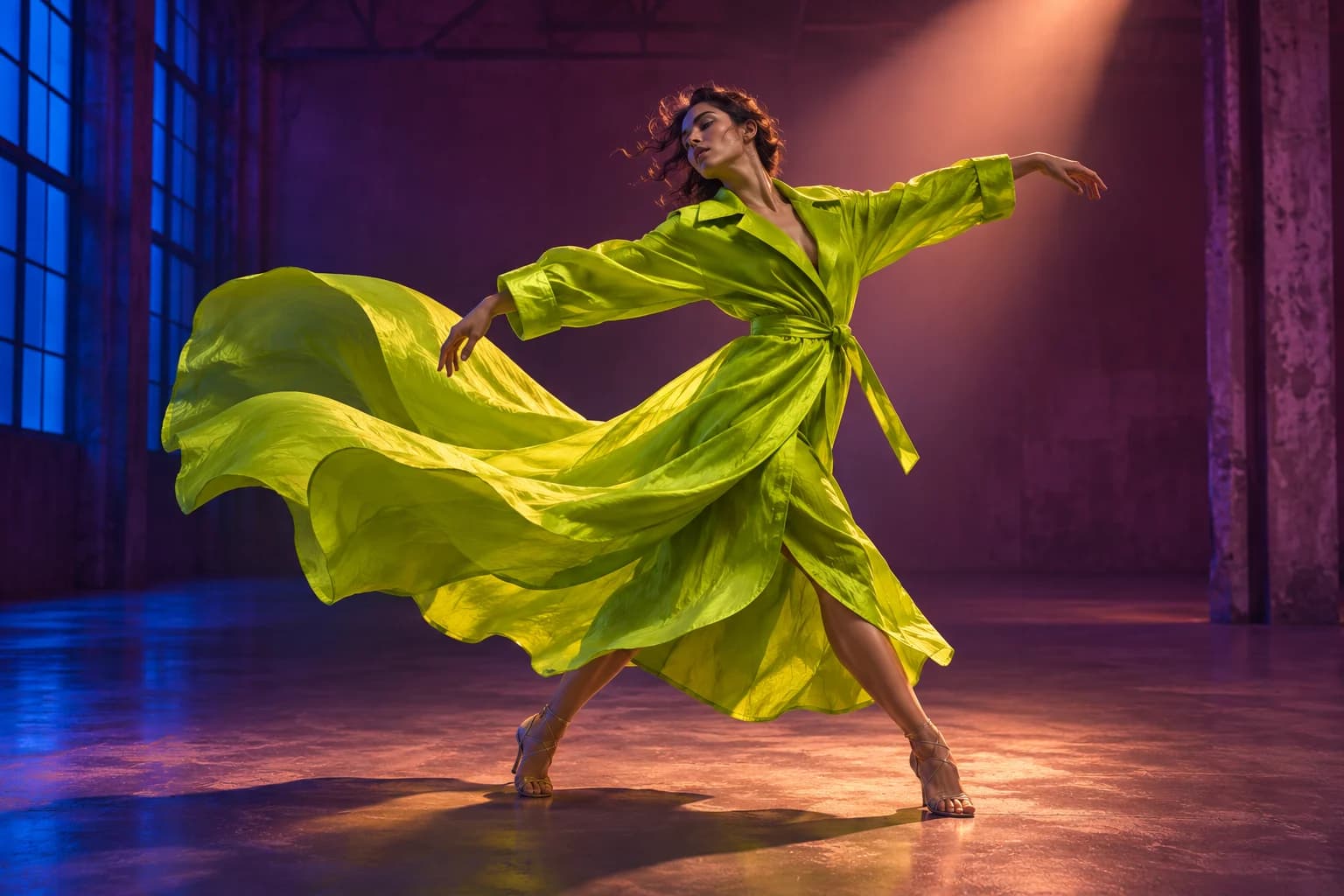
Make color the main character.
Your prompt and settings continue into Create. Review the credit quote before generating.
Choose an example to update the preview and prompt.
Creative inspiration, not a verified output of this model.
AI-generated concept
AI-generated concept
Model access, settings and credit costs are confirmed in Create.
Use the starting prompt or write your own. Review the model and format.
Your workspace checks access, input requirements and the current credit quote before you generate.
Create images from a written direction. Review the available settings in Create.
Sign in to continue. Your workspace checks this model’s access and credits. Restricted plans open the upgrade flow; zero credits opens add credits.
The imagery is concept art or creative reference material. Film excerpts and voice references are labeled separately. They are not verified outputs from the advertised model.