Bring your source
Choose an image or video you are allowed to use. Add it in Create.
Keep what matters. Change the rest.
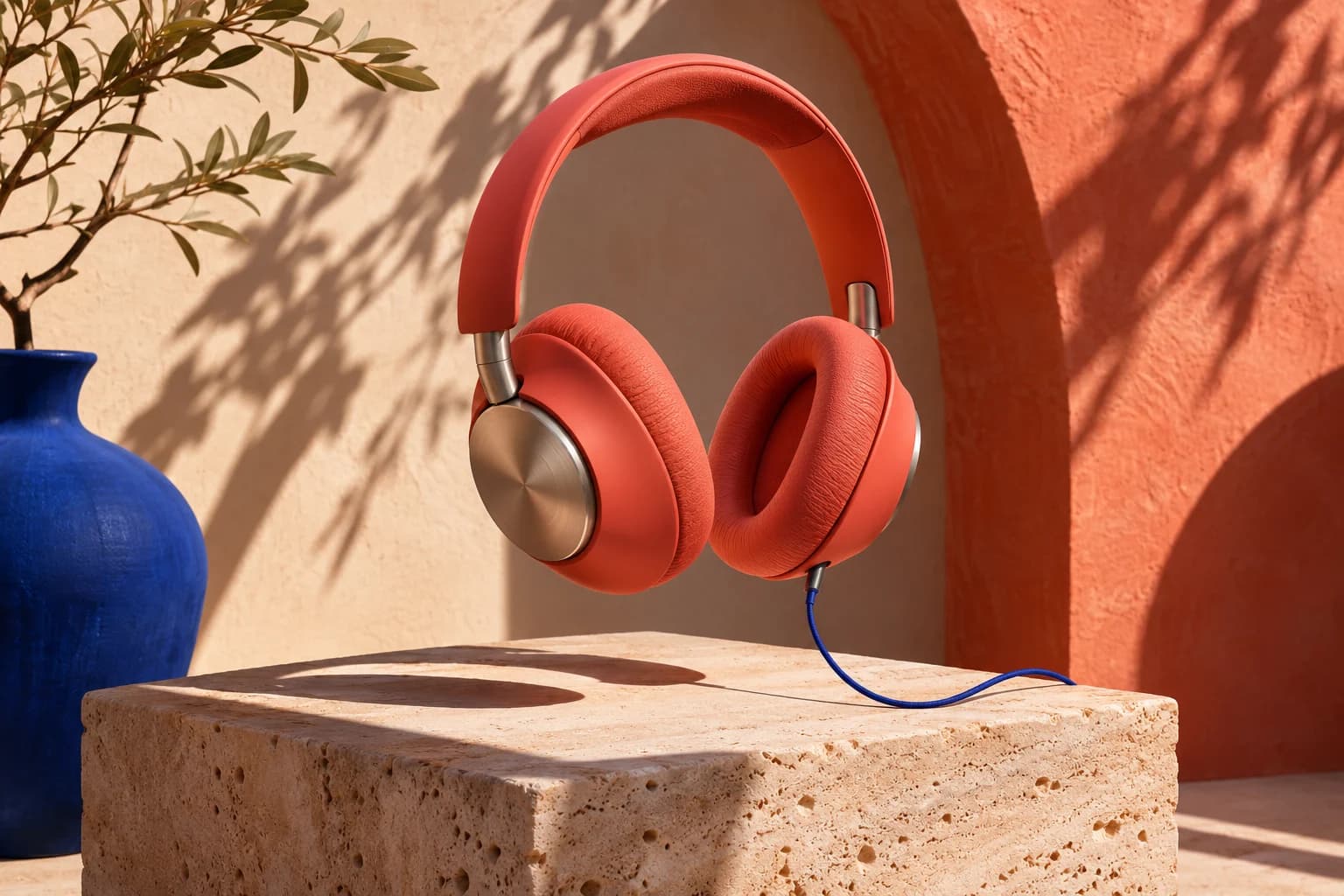
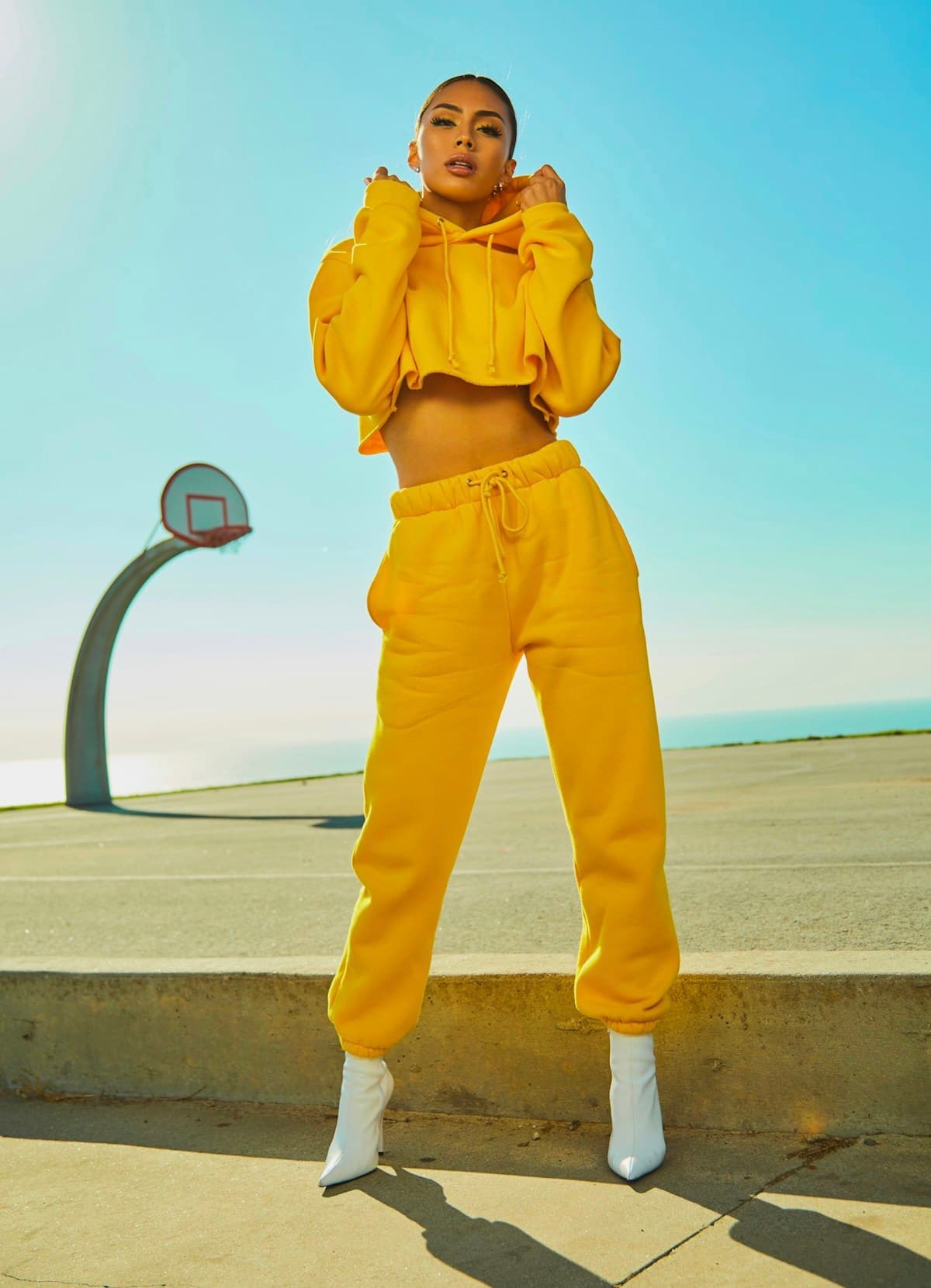
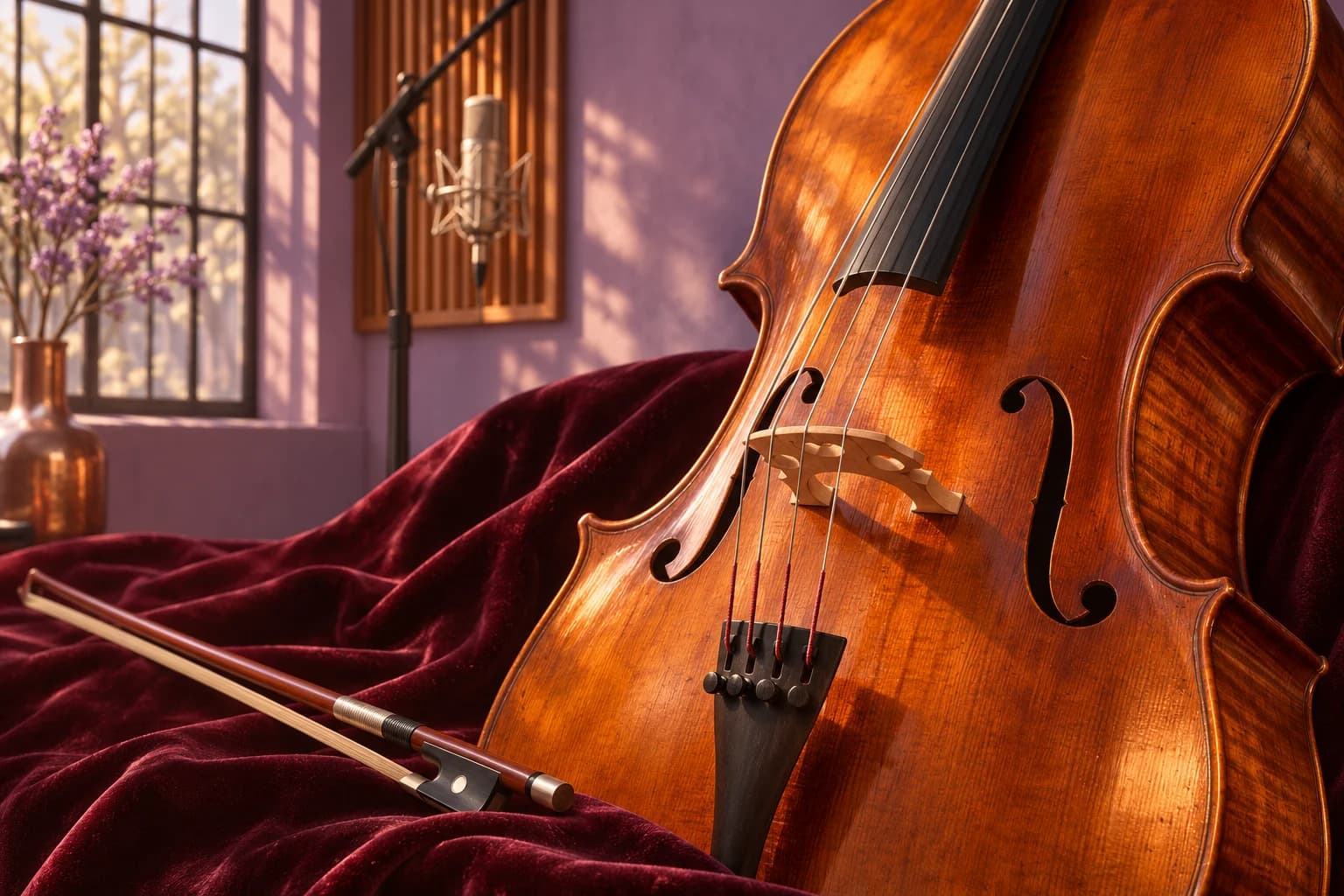
Your prompt and settings continue into Create. Review the credit quote before generating. Add your source in Create before generating.
Choose an example to update the preview and prompt.
Creative inspiration, not a verified output of this model.
AI-generated concept
AI-generated concept
Model access, settings and credit costs are confirmed in Create.
Choose an image or video you are allowed to use. Add it in Create.
Use the starting prompt or write your own. Review the model and format.
Your workspace checks access, input requirements and the current credit quote before you generate.
Bring a source image and describe what should change. Add your source in Create before generating.
Sign in to continue. Your workspace checks this model’s access and credits. Restricted plans open the upgrade flow; zero credits opens add credits.
Image-edit, image-to-video and video-edit models need their source media. Video-to-audio needs a source video. Add the required source in Create before generating.