News
Stichd AI Adds Krea 3 to Unified Creative Canvas
Stichd AI brings Krea 3 into its creative workspace, giving creators high-speed, precise image generation and editing that stays consistent with characters, products, and brand direction that all without leaving the studio.
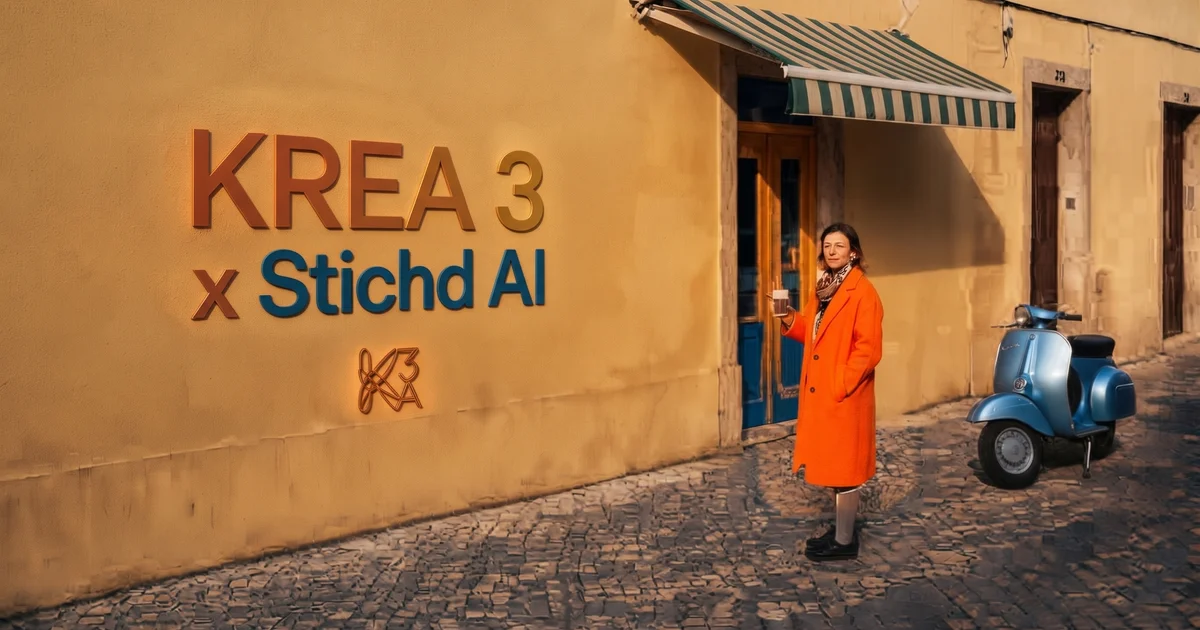
Stichd AI Brings Krea 3 Into Its Creative Canvas
The integration adds a fast, editing first image model that keeps products, characters, and details intact while fitting into STICHD’s connected workflow.
AI tools for images have grown stronger, but producing campaign ready visuals still often means jumping between generators, editors, and consistency tools. Changing a product background, updating a character’s outfit, or creating platform variations can break continuity and slow the process.
Stichd AI is simplifying that by adding Krea 3 directly into its studio. Creators can now generate and edit images at speed while keeping work connected to the platform’s character profiles, brand kits, multi-format tools, and campaign flows.
What Krea 3 Is Good At:
Krea 3 is strongest at precise, instruction driven editing rather than pure generation from scratch. It excels at:
- Product scene changes i.e turning a packshot into lifestyle or campaign imagery while the product stays identical.
- Object removal and photo cleanup
- Regional / bounding-box edits that change only the targeted area
- Material, color, and lighting swaps for instance includes precise hex-code matching.
- Keeping faces, product geometry, labels, logos, and key details intact
- Combining multiple reference images (up to six) in one edit
- Multi turn refinement without degrading quality
Fast, Precise Editing Within the Workflow
Krea 3 is built for instruction driven work. Users describe the change in plain language and what to alter and what to keep and the model returns the result quickly, typically in under 8 seconds at native 2K.
It focuses changes on the requested area and leaves the rest of the image alone. Product labels stay sharp, character faces remain consistent, and text or logos hold up.
Regional or boundingbox style control lets creatives target a specific element, such as an outfit, a background detail, a surface material, or a single object, without regenerating the whole frame.
The model also supports multiple reference images (up to six per edit). This makes it useful for combining a product shot, a character reference, a scene, or a style guide while controlling the outcome.
Thinking modes add flexibility.
A faster setting handles everyday edits, while a higher reasoning option supports more complex multi element requests.
Inside STICHD AI, this means creators can refine assets, try new scenes or lighting, swap materials, clean up photos, or generate fresh variations without switching tools or losing project context. The speed supports rapid iteration, so several ideas can be tested in the time older editing models take for one.
Stronger Consistency Across Assets
STICHD AI already emphasizes reusable character and product profiles, Style DNA, and brand kits so work stays recognizable across images and video.
Krea 3 pairs with that approach. Because it preserves identity, products, and key details during edits, it supports the platform’s goal of reducing drift when creating series, campaign variants, or multi platform content.
Teams can lock a character or product once and keep refining it across scenes, formats, and iterations. The same face, product geometry, or label stays intact while lighting, outfits, backgrounds, or compositions change.
Practical Use Cases
Here are the kinds of work Krea 3 is especially effective at inside STICHD AI:
- E-commerce & product campaigns Start with a clean packshot and restage the same product into lifestyle settings, different surfaces, or on-model shots. Output: multiple campaign-ready images where the product, label, and geometry remain consistent.
- Fashion and outfit variations Change clothing, colors, or materials on a model while keeping the face, pose, and overall identity locked. Output: a set of look variants from a single reference.
- Campaign and ad variants Swap backgrounds, adjust lighting, localize elements, or create format-specific versions while protecting approved details. Output: a series of platform-ready stills from one base asset.
- Cleanup and local fixes Remove unwanted objects, clean up details, or adjust specific regions without touching the rest of an approved image. Output: refined versions that stay pixel-faithful outside the edited area.
- Character-driven series Combine character, outfit, and environment references to produce consistent stills across scenes. Output: a connected set of images that can feed into video or multi-format campaigns.
One Workspace for Multiple Formats and Steps
Beyond images, STICHD AI brings together video, voice, edits, and campaign preparation in a single environment. Projects can be prepared for vertical 9:16, square 1:1, and widescreen 16:9 formats.
With Krea 3 available in the studio, creators can move more fluidly from an idea or reference to refined stills, then into video or distribution ready assets. The platform continues to reduce the back-and-forth between separate generators, editors, and campaign tools.
Creatives can start from a product packshot or character reference, restage it for lifestyle or editorial use, generate format variants, and feed the results into broader campaign flows ; all while staying inside one connected workspace.
> Built for Campaign and Production Work
The combination is practical for product photography variations, character driven content, social and editorial assets, and teams that need volume without sacrificing visual continuity. Speed and consistency support both individual creators and shared workspaces that move from brief to finished campaign material.
Krea 3’s strengths in product scene changes, precise local edits, object removal, material or color swaps , and reference-driven character consistency make it especially useful for e-commerce, fashion, and brand campaigns where fidelity and iteration speed matter.
Krea 3 is now part of the STICHD AI creative canvas, available alongside existing image, video, and agentic workflow tools.
Getting Started
Open the STICHD AI studio, go to the image tools, and select Krea 3 to generate or edit. Use plain language instructions, add reference images when needed , and continue building within the same project so characters, styles, and formats stay connected.